

Let’s be honest: contract drafting is often the most tedious part of being a lawyer. You know the drill, you have a new client, and instead of actually practicing law, you spend three hours digging through old folders trying to find "that one indemnification clause" you wrote six months ago.
You find it, copy-paste it, realize the formatting is broken, and then spend another forty minutes manually updating the parties’ names. By the time you’re actually drafting, you’re already exhausted.
It doesn’t have to be this way.
The legal industry is currently undergoing a massive shift. While general-purpose AI gets all the headlines, a specific tool is quietly changing the game for attorneys: AI-Powered Document Automation.
At TemplateVault Legal, we’ve built the command center for your firm’s knowledge. We’re not just talking about a digital filing cabinet; we’re talking about an intelligent ecosystem that understands your work.
Here is exactly why AI-powered automation is about to reclaim your weekends.
Stop Manual Hunting. Start Intelligent Drafting.
The "blank page syndrome" is a profit killer. Every minute you spend staring at a flashing cursor or hunting for a precedent is a minute you aren't providing strategic value to your clients.
Traditional document management is passive. You put a file in a folder, and it sits there. AI-powered document automation is active. It doesn't just store your clauses; it suggests them.
The Power of Clause Suggestions
Imagine you’re drafting a Master Service Agreement. Instead of searching your "Agreements" folder, your system analyzes what you’re writing and provides instant AI-powered clause suggestions.
- Speed: Research shows that manual clause drafting traditionally takes 20-30 minutes per clause. AI-powered systems can generate or suggest jurisdiction-appropriate variations in seconds.
- Precision: No more copying a clause from a 2021 contract that contains an outdated regulation. The system flags the best-performing, most recent versions of your work.
- Consistency: Your whole firm stays on the same page. Whether it’s a senior partner or a new associate, the "standard" clause is always just one click away.
Master Your Knowledge: The Digital Command Center
Most law firms don't have a storage problem, they have a retrieval problem. You have the knowledge; you just can't find it when the clock is ticking.
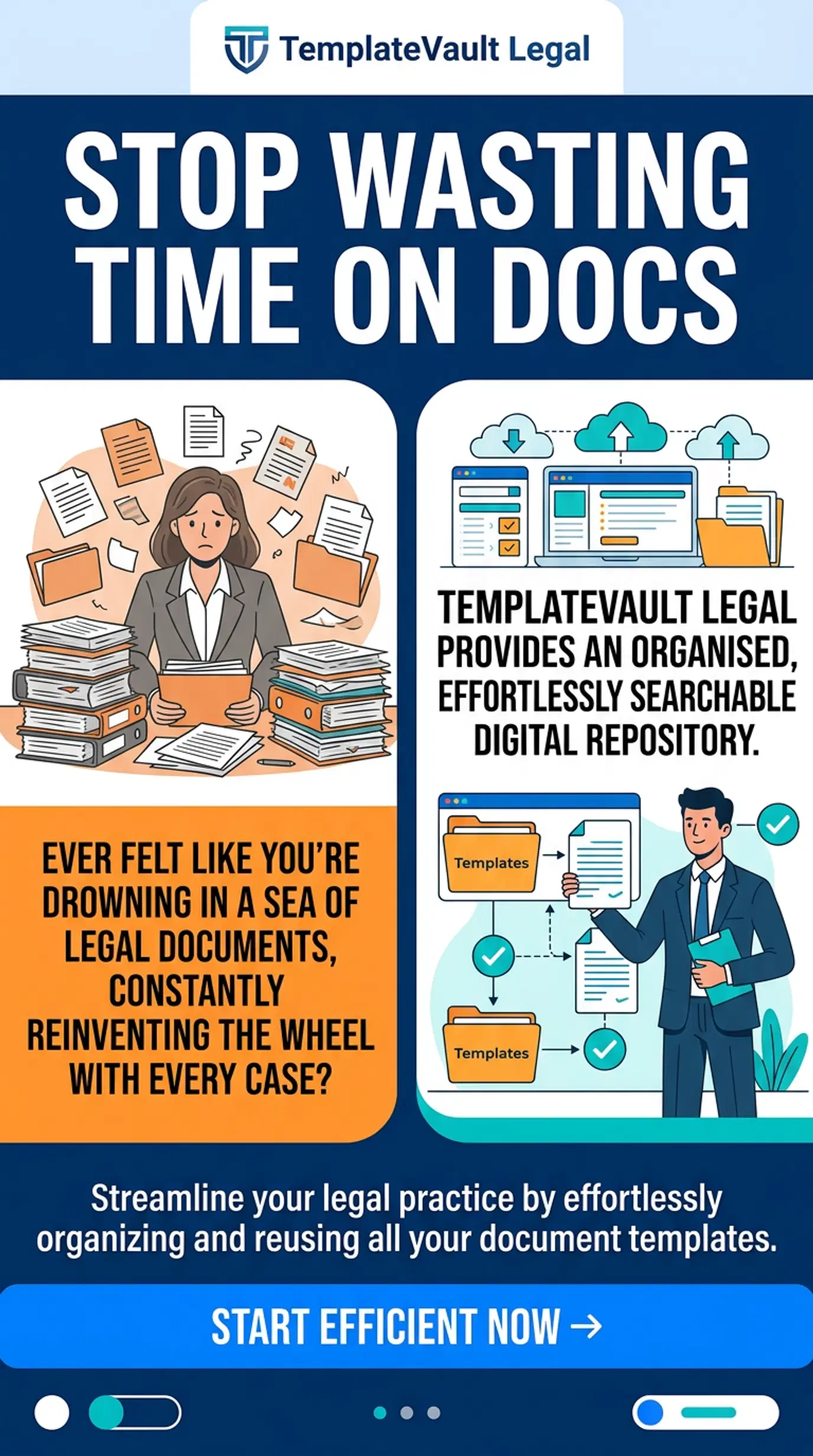
Our platform is designed specifically for the legal workflow. We offer an 85% reduction in template search time, which translates to saving the average attorney roughly 12 hours per week.
How? By moving beyond basic filenames. TemplateVault Legal uses an intelligent search that actually understands legal context. If you need a "liability cap for a SaaS vendor," the system doesn't just look for those words in the title; it searches the full-text content and tags across your entire vault to find the most relevant matches instantly.
Reclaim Your Time with These Metrics:
- 12 Hours Saved: The average weekly time reclaimed by attorneys using specialized template management.
- 85% Faster Searches: No more digging through nested sub-folders.
- 99.9% Uptime: Your documents are always available, exactly when you need them.
If you’re still using a generic tool like Google Drive or Dropbox, you’re missing out on the legal-specific logic required to manage complex templates. You can read more about why specialized legal document management is the future here.
Organize the Chaos: Version Control Without the Headache
We’ve all seen it: Contract_Final.docx, Contract_Final_v2.docx, Contract_FINAL_ACTUAL_v3_USE_THIS.docx.
Manual versioning is a recipe for malpractice. One wrong copy-paste of a rejected clause can cost a client millions. AI-powered automation solves this through complete version history and rollback functionality.
With a specialized template vault, every iteration is tracked. You can see who changed what and when. Most importantly, you can revert to a previous version with a single click. This isn't just "cloud storage"; it’s a secure, enterprise-grade audit trail.

Secure Your Legacy: Bank-Grade Encryption
Security isn't a "nice to have" in the legal field, it’s a requirement. When you’re drafting high-stakes contracts, you can’t afford to trust your data to a generic consumer platform.
TemplateVault Legal provides bank-grade encryption for every file. Whether you’re storing simple NDAs or complex M&A documents, your intellectual property is protected by:
- AES-256 Encryption: The same standard used by financial institutions.
- Role-Based Permissions: Control exactly who can view, edit, or delete templates (Admin, Editor, Viewer).
- Secure Cloud Infrastructure: Purpose-built for the high-security needs of legal professionals.
Check out our beginner’s guide to mastering firm security to see how we keep your "vault" impenetrable.
Streamline the Workflow: From Templates to Final Drafts
The transition from a "template" to a "final draft" should be seamless.
Using AI-powered document automation allows you to categorize your work with custom tags and categories. You can organize documents by practice area, client type, or jurisdiction.
When it's time to draft, the system doesn't just give you a file; it gives you a workflow. You can export in bulk, use advanced filtering to find exactly what you need, and leverage AI to suggest the best path forward. This is the difference between a "folder" and a "platform."
Reclaim Your Focus: Stop Wasting Time on Admin
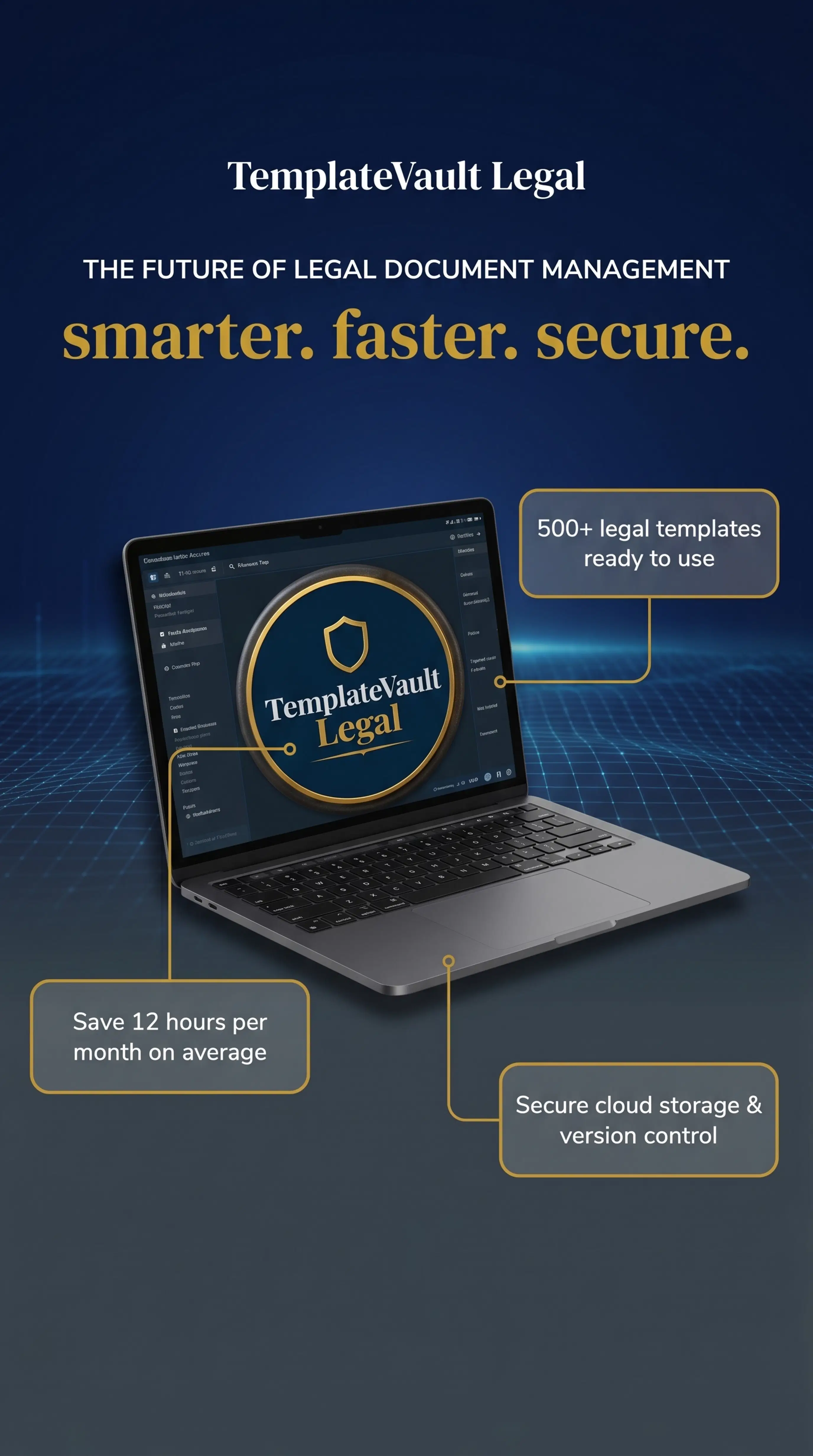
Every hour you spend on document administration is an hour you aren't billing. By automating the repetitive parts of drafting, searching, versioning, and formatting, you free yourself to focus on the high-level legal strategy that clients actually pay for.
The shift to AI-powered drafting isn't just about speed; it's about mental bandwidth. When you aren't frustrated by document chaos, you're a better lawyer. You're more thorough, more creative, and more responsive.
If you’re feeling overwhelmed by your current process, you aren't alone. Many firms are struggling with the same "document debt." We’ve put together a list of 7 quick hacks for law firm template management to help you get started.
Frequently Asked Questions
Is AI-powered drafting hard to set up?
Not at all. TemplateVault Legal is built for simplicity. Unlike complex enterprise software that requires weeks of training, you can be up and running in minutes. Our interface is intuitive, if you can use a file folder, you can use our vault.
Will AI replace the need for lawyers to review contracts?
Absolutely not. AI is a tool, not a replacement. It handles the "heavy lifting" of searching and initial drafting so that you can apply your expertise to the final review and strategy.
How secure are my documents?
We use bank-grade encryption and secure cloud storage. Your data is your own, and we provide complete role-based permission settings so you control exactly who has access to your firm’s "secret sauce."
Can I use my existing templates?
Yes! You can securely upload any file type (DOCX, PDF, etc.) to your vault. Our system will index them, making them searchable and ready for AI-powered suggestions.

Stop the Chaos. Start Drafting Smarter.
You didn't go to law school to be a file manager. You went to law school to solve problems and advocate for your clients.
AI-powered document automation is the key to getting back to the work you love. By centralizing your firm's knowledge and leveraging intelligent clause suggestions, you can slash your drafting time, eliminate version control errors, and provide a faster, better service to your clients.
Ready to see the difference for yourself?
Join the legal professionals who have already reclaimed 12 hours of their week.
💎 Try TemplateVault Legal for free.
💎 No credit card required.
💎 Cancel anytime.
