


For most attorneys, the most time-consuming part of drafting a contract isn't the legal analysis: it’s the search. You know you wrote a perfect "Indemnification" clause for a tech client six months ago. You remember it was ironclad, sophisticated, and exactly what your current client needs.
But where is it?
You spend the next twenty minutes digging through old emails, scrolling through your "Sent" folder, and opening five different versions of a 2025 Master Services Agreement, only to find that the version you wanted was actually in a completely different folder. This "hunt and peck" method isn't just frustrating; it’s a massive drain on your firm’s billable potential.
This is where AI-powered clause suggestions change the game. By moving beyond simple storage and into active assistance, legal document management software is transforming the drafting process from a manual search-and-rescue mission into a streamlined, intelligent workflow.
The Evolution of Drafting: From Static Templates to Dynamic Knowledge
Historically, law firms managed knowledge in three stages:
- The Physical Era: Stacks of paper precedents and binders full of "Go-To" clauses.
- The Search Era: Generic cloud storage (like Dropbox or Google Drive) where you could search by filename but had to manually read every document to find a specific paragraph.
- The Intelligence Era: Purpose-built legal knowledge management software that understands the content of your documents and suggests the right language exactly when you need it.
AI-powered clause suggestions represent the peak of the Intelligence Era. Instead of you going to the data, the data comes to you. When you are drafting a new contract, the system recognizes the context and proactively offers "Firm-Approved" clauses based on your historical work.
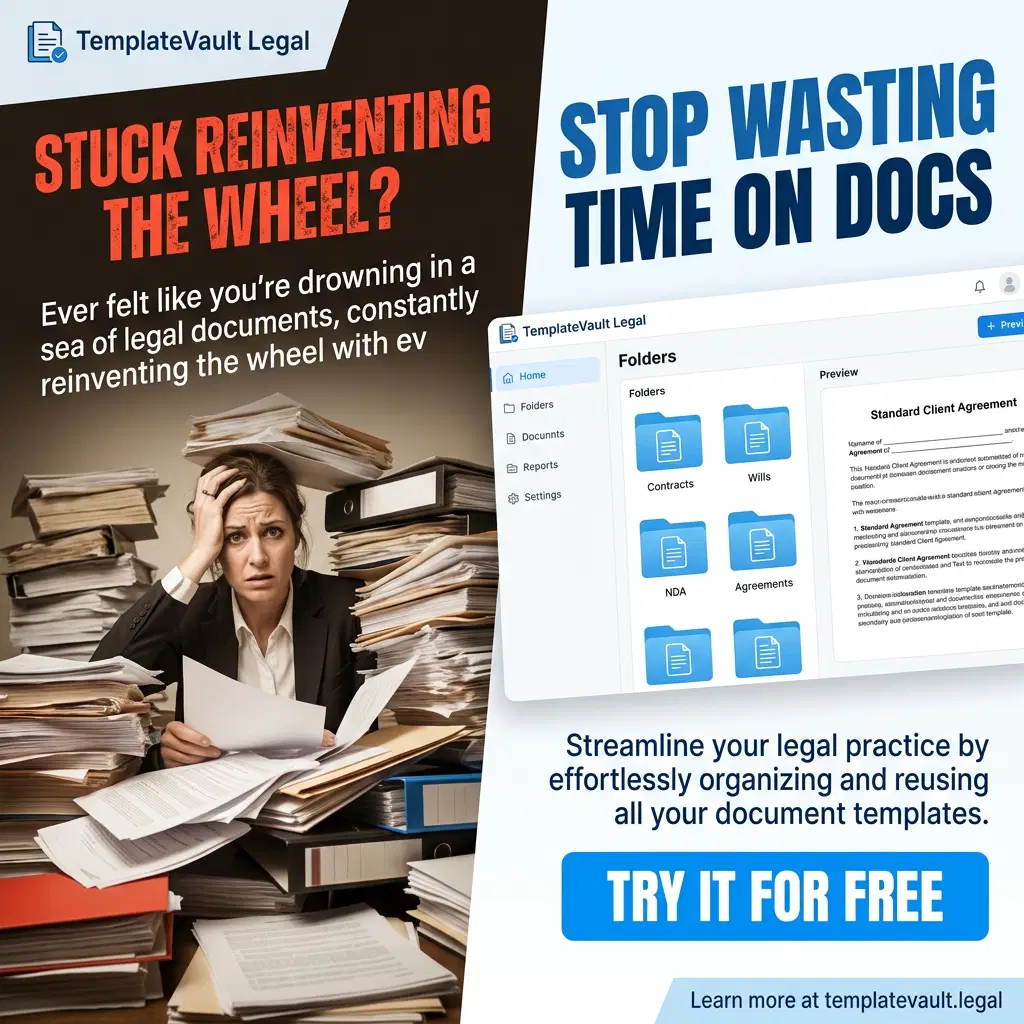
How AI-Powered Clause Suggestions Actually Work (The "Vault" Advantage)
It’s important to distinguish between generic AI (like basic ChatGPT) and the specialized AI found in TemplateVault Legal. Generic AI can write a clause from scratch, but it doesn't know your firm’s style, your specific risk tolerance, or the specific nuances of your jurisdiction’s case law.
Learning From Your Firm’s History
TemplateVault Legal’s AI doesn't just pull text from the internet. It learns from your firm’s own "Vault." Every time you upload a completed agreement or a curated template, the system indexes the clauses. When you draft a new document, the AI analyzes the surrounding text and suggests relevant clauses that your firm has used: and trusted: in the past.
This creates a "Digital Brain" for your firm. Whether you’re a solo practitioner or part of a growing team, you’re no longer starting from a blank page or a generic internet template. You’re starting from your own best work.
Contextual Relevance Over Generic Text
Document automation for law firms is about more than just filling in names and dates. It’s about context. If you are drafting a "Force Majeure" clause, the AI knows the difference between a standard commercial lease and a cross-border manufacturing agreement. It suggests language that fits the specific matter at hand, reducing the need for heavy redlining later.
3 Ways AI Suggestions Revolutionize Legal Drafting
1. Speed Without Sacrifice
Research shows that AI-assisted drafting can reduce the time spent on initial contract versions by up to 80%. When the "perfect" clause is one click away, you stop wasting time on the "Search" phase. This allows you to move from a blank screen to a robust first draft in a fraction of the time.
2. Consistency Across the Firm
One of the biggest risks in a growing law firm is inconsistency. Associate A might use an outdated "Limitation of Liability" clause while Partner B uses the updated version. AI-powered suggestions act as a quality control layer. By suggesting the most recent, partner-approved version of a clause, TemplateVault Legal ensures that every document leaving your office meets the firm’s standards, regardless of who drafted it.
3. Reducing the "Omission Risk"
We’ve all been there: you’re deep into a complex 50-page agreement and you realize, three days after sending it to the client, that you forgot a standard "Choice of Law" provision. AI suggestions act as a second pair of eyes. By identifying the type of document you are drafting, the system can flag missing essential clauses, helping you avoid embarrassing (and potentially costly) omissions.

Why This Isn't About Replacing Lawyers
A common concern is that AI will "replace" the attorney's judgment. At TemplateVault Legal, we view AI as a productivity tool, not a replacement.
The AI suggests; the attorney decides.
Think of it like the "Autofill" on your smartphone or the "Suggested Replies" in your email. It handles the repetitive, low-value task of retrieving the text so you can focus on the high-value task of legal analysis. You still need to ensure the clause fits the specific negotiation and the client's unique needs. The difference is that you’re no longer spending 20 minutes just finding the text to begin with.
Building Your Firm’s "Digital Brain"
The true value of AI clause suggestions isn't just in the individual draft; it’s in the long-term compounding of your firm’s knowledge. Every time you save a new, refined clause to your vault, the system becomes smarter. It becomes easier to onboard new associates because they have instant access to the firm's collective expertise. It becomes easier to handle a higher volume of work without increasing your headcount.
By utilizing legal document management software designed specifically for these workflows, you’re not just storing files: you’re building an asset that grows in value every day.

Frequently Asked Questions
Does the AI use my data to train other firms?
No. At TemplateVault Legal, your data is yours. Our AI suggestions are built to help your firm reuse your own knowledge securely. We use enterprise-grade encryption to ensure your documents remain private.
How long does it take to set up?
You can start seeing benefits almost immediately. Once you upload your existing templates and common documents to the vault, the AI begins indexing them. Our interface is built for legal professionals, meaning there is virtually no learning curve.
Is this only for large law firms?
Actually, solo and small firms often see the biggest ROI. When you don't have a dedicated "Knowledge Management" department, the AI acts as your virtual assistant, keeping your templates organized and searchable so you can compete with much larger practices.
Stop Rewriting. Start Drafting.
The days of "copy-paste" from old documents are over. AI-powered clause suggestions are the future of the legal profession, allowing you to draft faster, reduce risk, and maintain a standard of excellence that sets your firm apart.
Ready to see how much time your firm can save? Start your free trial of TemplateVault Legal today and turn your scattered documents into a powerful, searchable knowledge vault. No credit card required: just a faster way to work.
Visit tempvault.org to learn more.
