


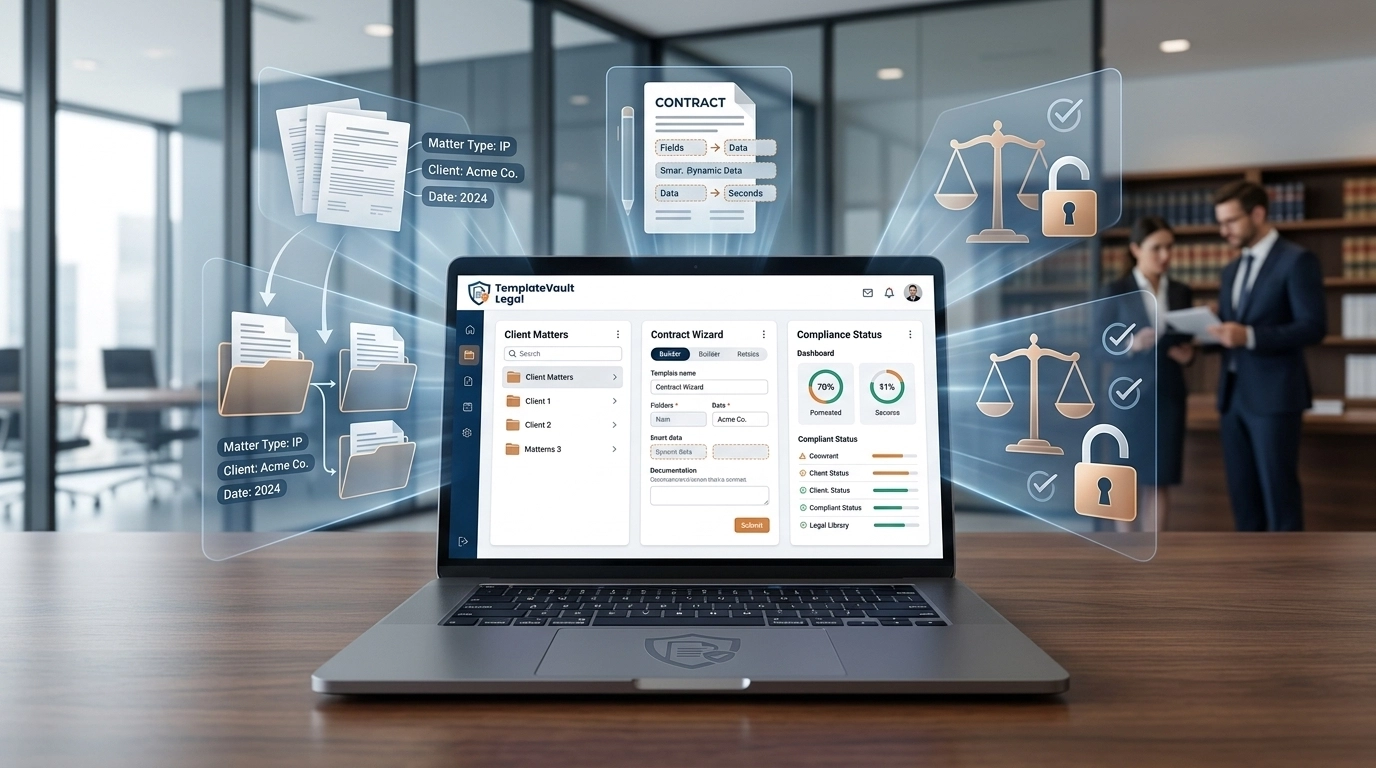
Stop Sifting Through Folders. Start Drafting in Seconds.
You are at your desk, the clock is ticking, and you need that "standard" indemnity clause from three months ago. You search Google Drive. Nothing. You check your "Templates" folder. It has four different files named Indemnity_Final_v2.docx.
This isn't just an annoyance; it’s a leak in your firm’s profitability.
Generic storage solutions like Dropbox or OneDrive were never designed for the high-stakes, version-heavy reality of legal practice. For a law firm to scale, you don't just need "storage", you need a command center.
Choosing the right legal document management system (DMS) is the difference between an associate billing hours on high-value strategy or wasting 12 hours a week playing "document detective."
Stop Settling for "Good Enough." Start Demanding Legal-Grade.
Most document management systems fall into two camps: Generic Cloud Storage and Purpose-Built Legal Tech.
1. Generic Cloud Storage (Google Drive, Dropbox, Box)
These are fine for photos or general business files. But for lawyers, they are dangerous.
- The Risk: No matter-centric filing. No automatic version history. No way to tag specific clauses.
- The Cost: High risk of using outdated language and zero visibility into who changed what and when.
2. Purpose-Built Legal DMS (TemplateVault Legal, iManage, NetDocuments)
These platforms are built around the concept of a "Matter" or a "Vault." They understand that a legal document is a living entity with a history, a purpose, and a set of permissions.
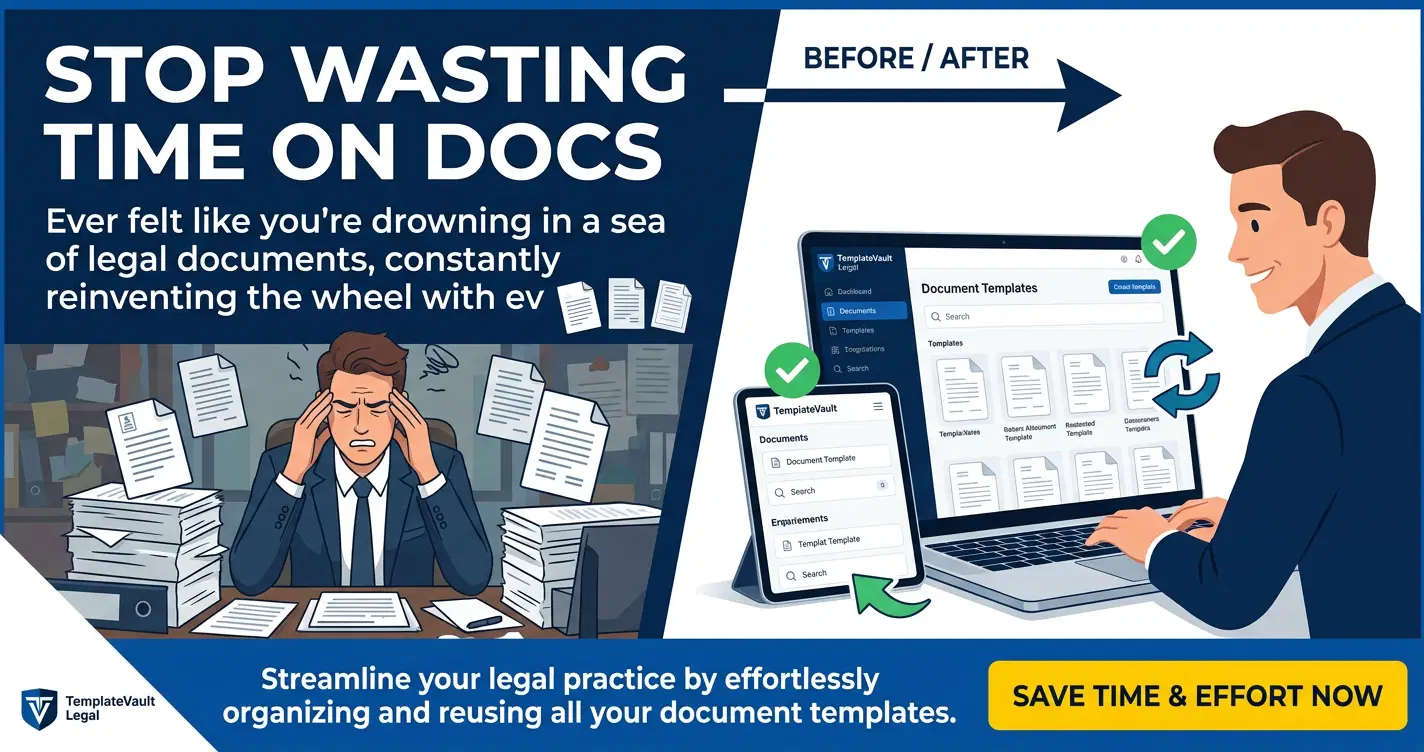
Master Your Workflow: 4 Non-Negotiable Criteria for 2026
When comparing systems, don't get distracted by "shiny" features. Focus on these four pillars that drive actual ROI.
1. Search Speed and Precision
If you can't find a template in under 10 seconds, your system has failed. Look for Intelligent Search that indexes not just filenames, but the full-text content of every document.
- ⭐ TemplateVault Signal: Our users see an 85% reduction in search time because we use custom tags and AI-powered indexing.
2. Version Control and Rollback
Lawyers live in versions. You need a system that automatically tracks every iteration without creating "v2_FINAL_REALLY_FINAL" files. You should be able to roll back to any previous version with a single click.
3. Enterprise-Grade Security
Your client’s data is your most valuable asset. "Basic" encryption isn't enough. Demand bank-grade encryption and role-based permissions that ensure only the right eyes see the right documents.
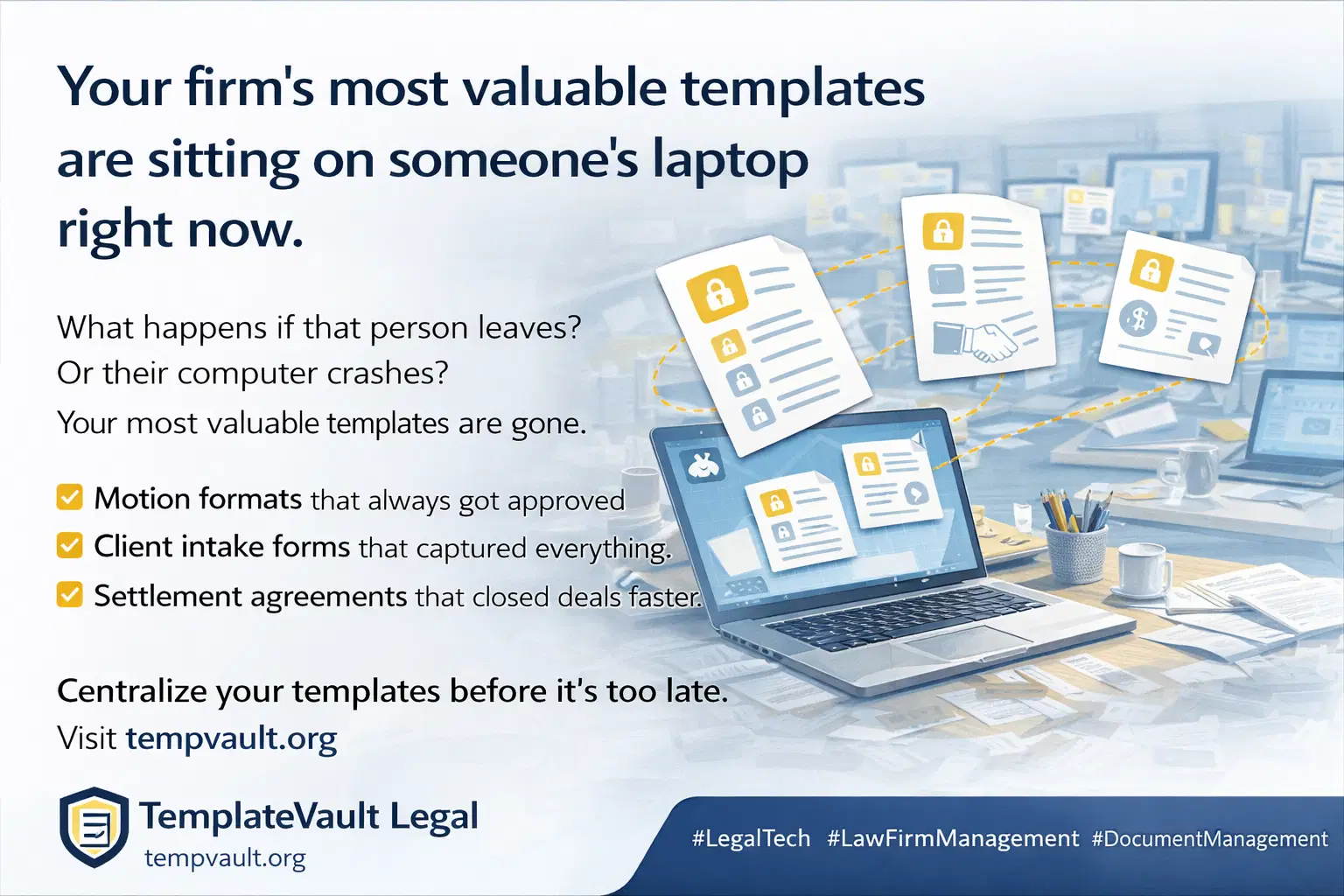
4. Template Intelligence
The future of legal tech isn't just storing a file, it's helping you write it. Features like AI-powered clause suggestions can shave hours off the drafting process by recommending firm-approved language as you type.
Compare the Leaders: Choosing the Right Fit for Your Firm
Reclaim Your Time: The TemplateVault Advantage
While platforms like Clio or MyCase offer broad practice management, TemplateVault Legal is a specialist. We don't try to manage your calendar or your billing, we master your documents.
- Save 12 Hours Every Week: By centralizing your templates, we eliminate the manual "hunt and peck" drafting style.
- 99.9% Uptime Guarantee: Your office is wherever you are, with secure cloud access that never sleeps.
- Zero Learning Curve: Built for legal workflows, not IT departments. If you can use a search bar, you can use TemplateVault.
For more on how to optimize your specific template library, check out our guide on 7 hacks for law firm template management.
Frequently Asked Questions
Is TemplateVault Legal difficult to set up?
No. Unlike enterprise-heavy systems that require months of consulting, you can be up and running with your full library in minutes.
Does it work with my existing files?
Yes. We support DOCX, PDF, and all standard legal formats. You can bulk upload your existing library and let our AI tag them for you.
How secure is my data?
We use bank-grade encryption and SOC 2-compliant data centers. Your documents are more secure in our vault than they are on a local hard drive or a generic cloud provider.
Organize Your Practice. Protect Your Profits.
Stop losing billable hours to administrative friction. Start working with a system that actually understands the way you draft.
Reclaim your 12 hours a week today.
- ✅ No Credit Card Required
- ✅ Free 7-Day Trial
- ✅ Cancel Anytime
