

Stop Hunting Files. Start Mastering Your Workflow.
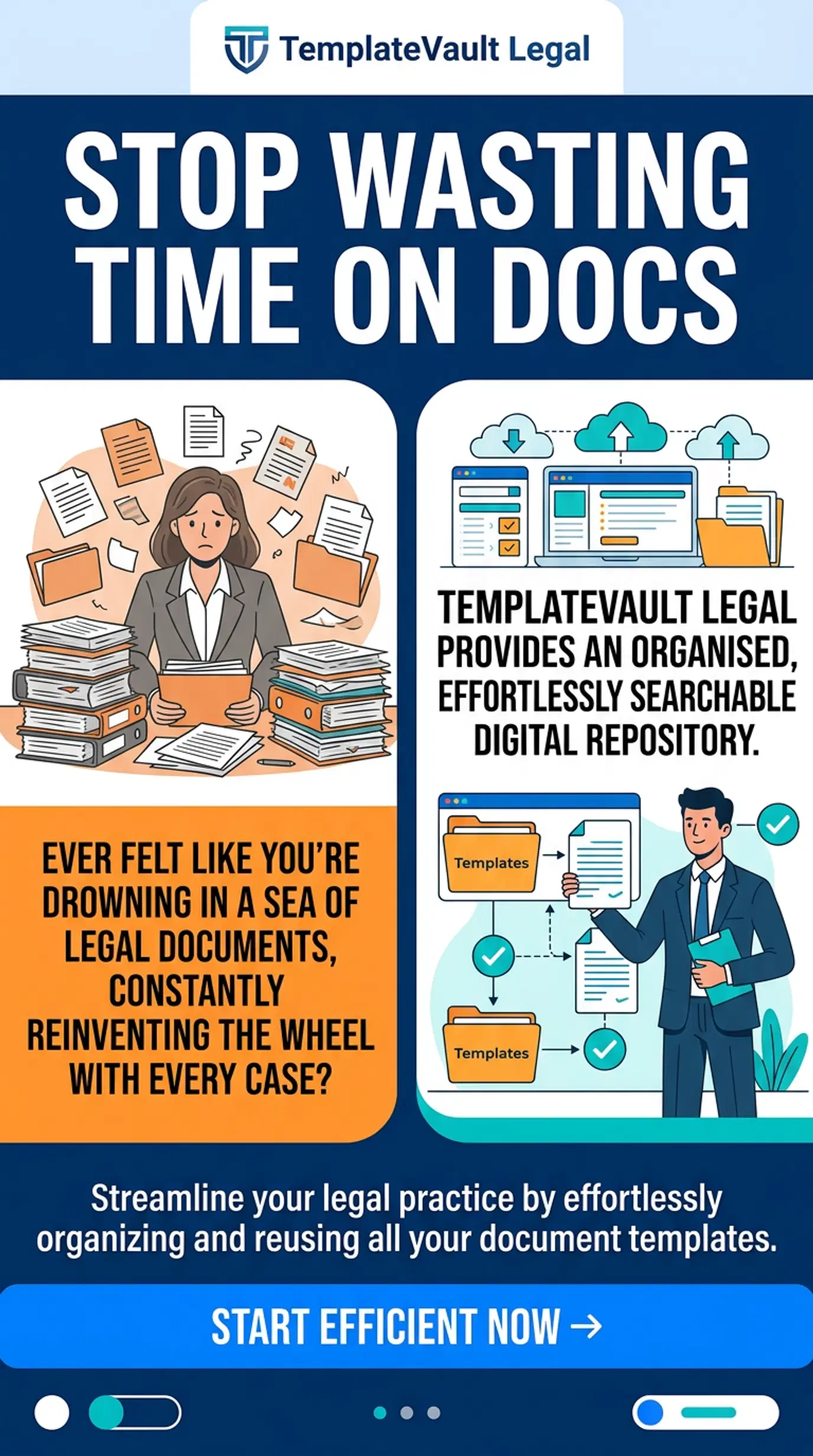
For the modern legal professional, time is the only currency that truly matters. Yet, most law firms are still leaking hours every week into a black hole of disorganized local folders, "final-v2-final-REVISED.docx" email attachments, and the frantic search for that one clause that won't result in a malpractice claim.
The legal industry has reached a tipping point in 2026. Generic storage solutions like Dropbox or basic local servers are no longer enough to meet the demands of high-stakes litigation and complex corporate drafting. You need a command center, a single source of truth that doesn't just store documents but organizes your firm's entire collective intelligence.
Choosing the best cloud-based legal document management (DMS) isn't just about storage capacity; it's about reclaiming your billable hours and ensuring bank-grade security for your most sensitive work product.
Stop Settling for Generic. Start Demanding Purpose-Built.
When comparing cloud-based systems, many firms make the mistake of choosing a "one-size-fits-all" solution. Here is how the landscape looks in 2026:
1. The Legacy Giants (NetDocuments & iManage)
These are the heavyweights. They offer deep integration and massive scalability. However, for many small to mid-sized firms, they bring "enterprise complexity", steep learning curves, high costs, and features you’ll likely never use.
2. The Practice Management Suite (Clio & MyCase)
These tools are excellent for billing and matter management. But as a DMS, they often lack the granular document-specific power needed for complex template management. They treat documents as attachments to a case rather than the core assets of your practice.
3. The Specialized Template Vault (TemplateVault Legal)
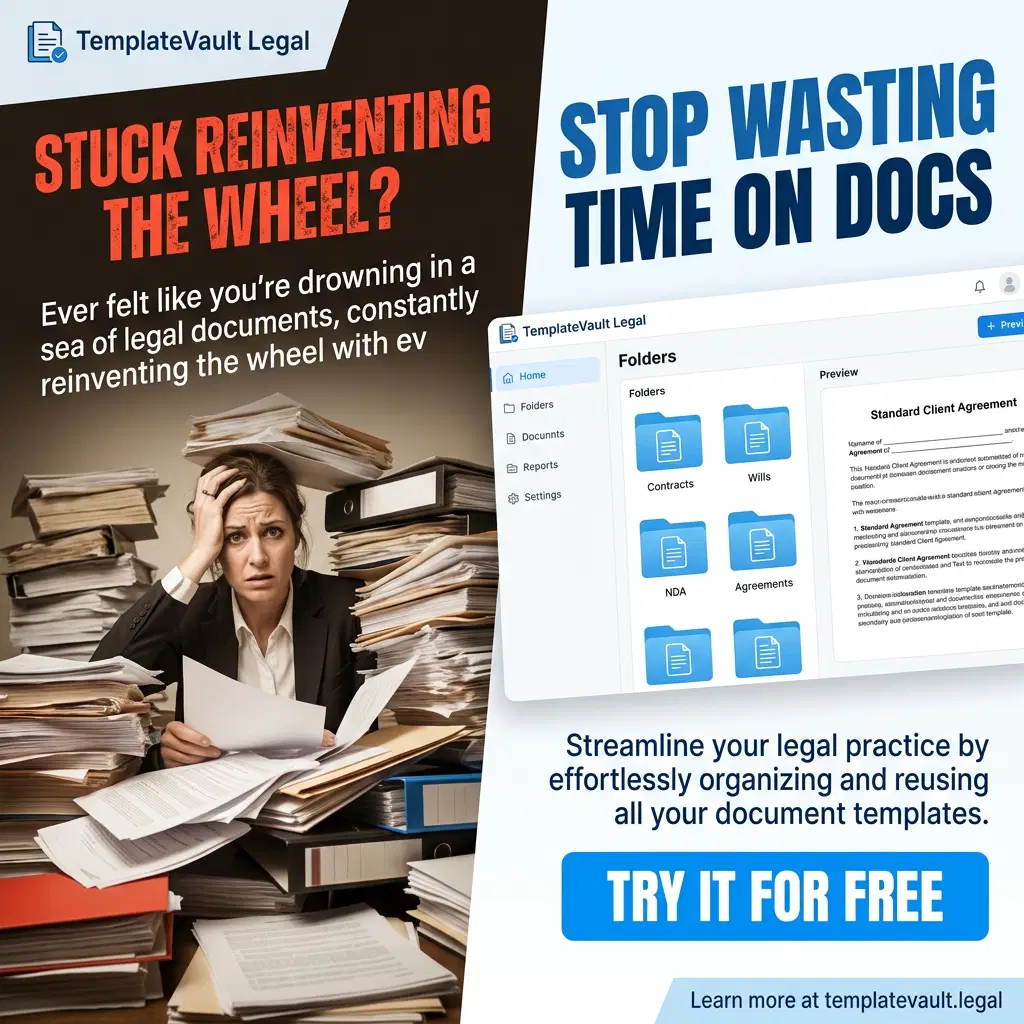
This is where precision meets efficiency. Unlike generic managers, a specialized vault focuses on the reuse of high-value legal templates. It is built specifically to solve the "search and versioning" nightmare that plagues attorneys daily.
The 4 Pillars of a High-Performance Cloud DMS
To choose the right platform, you must evaluate every vendor against these four non-negotiable standards.
1. Intelligent Search Capability
The Problem: Standard search only looks for filenames.
The Solution: You need a system that "reads" your documents. TemplateVault Legal utilizes advanced full-text content search and custom tags, leading to an 85% reduction in template search time. If you can’t find a clause in under 10 seconds, your DMS is failing you.
2. Bank-Grade Encryption & Security
The Problem: Law firms are the #1 target for data breaches.
The Solution: Look for AES-256 bit encryption, multi-factor authentication (MFA), and role-based permissions. Your DMS should be more secure than your local hard drive. Our platform provides 99.9% uptime and document security with encryption that meets or exceeds federal standards.
3. Version Control and Rollback
The Problem: Overwriting a master template with client-specific data.
The Solution: A true legal DMS maintains a complete version history. If a junior associate accidentally deletes a critical paragraph, you should be able to roll back to the master version with a single click.
4. AI-Powered Clause Suggestions
The Problem: Drafting from scratch is a waste of billable talent.
The Solution: Modern systems in 2026 use AI to suggest relevant clauses from your own vault as you draft. This doesn't just save time, it ensures consistency across the firm.
Comparison Table: Finding Your Perfect Fit
Stop Losing 12 Hours Every Week. Start Reclaiming Your Life.
The math is simple. If the average attorney spends 12 hours a week searching for documents and managing version control issues, that is 12 hours of lost billable time or 12 hours of lost personal life.
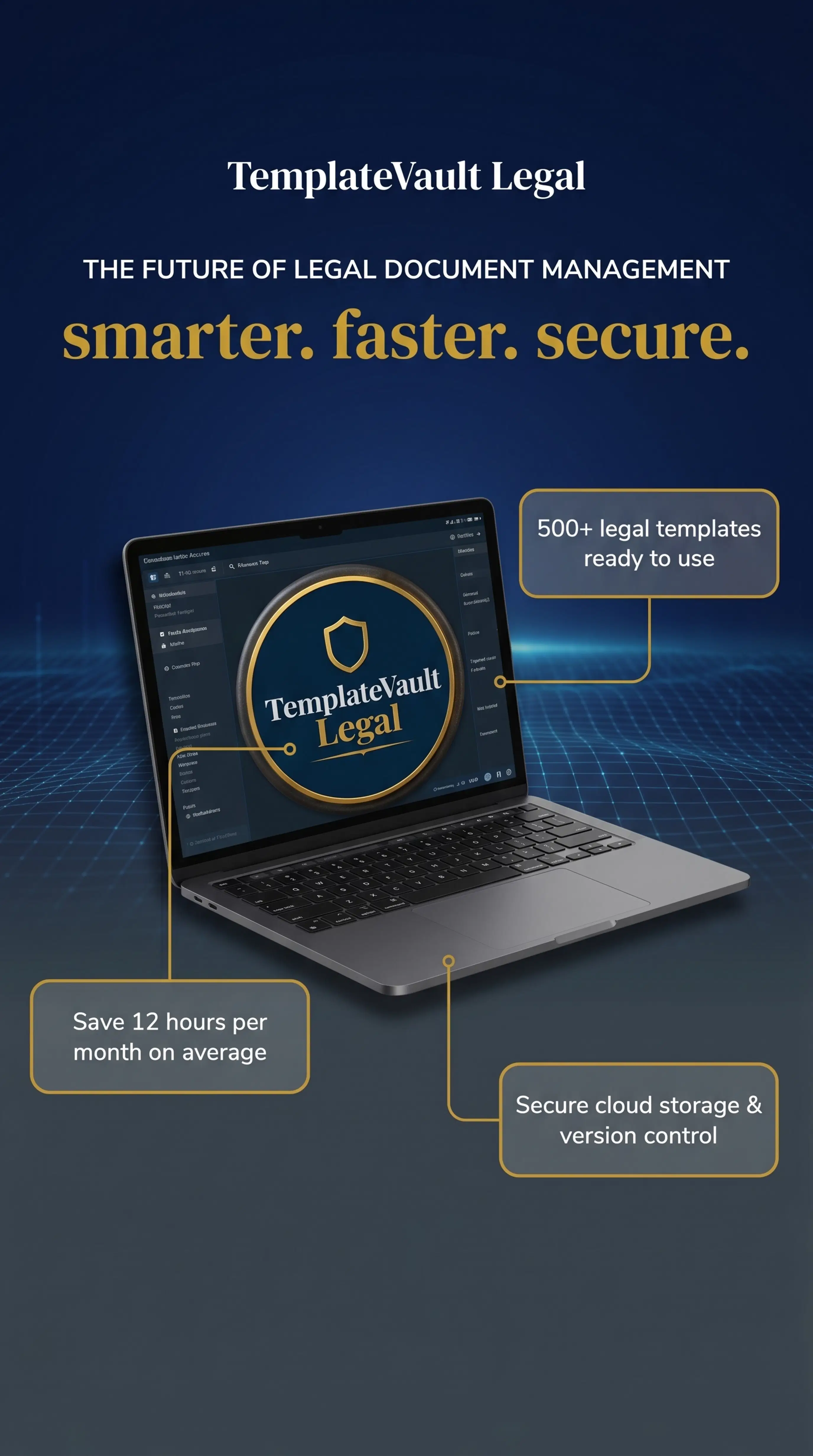
By implementing a specialized system like TemplateVault Legal, you aren't just buying software, you are buying back your time. Our users report an average saving of 12 hours per month per attorney, purely through better organization and faster retrieval.
How to Migrate Without the Headache
Many firms stay with outdated systems because they fear the "migration nightmare." In 2026, this is a myth.
- Step 1: Audit your existing "Master Templates."
- Step 2: Use bulk upload tools to move your vault to the cloud.
- Step 3: Assign tags (e.g., #RealEstate, #Litigation, #NDA) for instant filtering.
- Step 4: Set role-based permissions to ensure only partners can edit master templates.
FAQ: Choosing Your Cloud DMS
Q: Is the cloud safe for attorney-client privileged documents?
A: Yes. In fact, a secure cloud environment like TemplateVault Legal is often more secure than a local server, which is vulnerable to physical theft, fire, and unpatched security vulnerabilities.
Q: Can I access my templates from my phone?
A: Absolutely. The "Cloud" means your knowledge base follows you from the office to the courtroom to your home office.
Q: Do I need a tech expert to set this up?
A: Not with TemplateVault Legal. We built our platform to be "plug-and-play" for legal professionals, not IT experts. You can be up and running in minutes.
Final Verdict: Which One Should You Choose?
If you are a solo practitioner or a growing firm that needs to end document chaos, stop overpaying for enterprise complexity. You need a secure, intelligent, and affordable vault that understands the nuances of legal work.
Ready to see the difference for yourself?
Experience the power of a purpose-built legal document management system. Reclaim your time, secure your work, and scale your practice with confidence.
- No credit card required.
- 7-day free trial.
- Cancel anytime.
